

Charges are used to manually apply costs for services rendered to clients that are not automatically billed through allowances or contracts. This is useful for ad-hoc or special service usage such as printing, catering, notary, and more.
Accessing the Charges Page
-
From the left navigation menu, go to Billing.
-
Click on Charges.
You will be presented with a list of charges that have been manually entered in the system.

Table Columns Explained
Below is a guide to understanding each column on the Charges list view:
| Column | Description |
|---|---|
| Date | The date the charge was recorded. |
| Client | The name of the client the charge applies to. |
| Center | The associated location or business center where the charge was incurred. |
| Service | The specific service being charged for (e.g., Notary, Color Copies, etc.). |
| Description | Any additional notes or context provided about the charge. |
| Quantity | The amount or units of service rendered. |
| Cost | The calculated cost of the service based on quantity and service pricing. |
| Memorized | Indicates whether this charge is memorized (preset to repeat). |
| Last Modified | Shows who last modified the entry and how long ago the change was made. |
You can filter records using the search fields at the top (by date, client, service, etc.), or view archived records using the Show Archived toggle.
Adding a New Charge
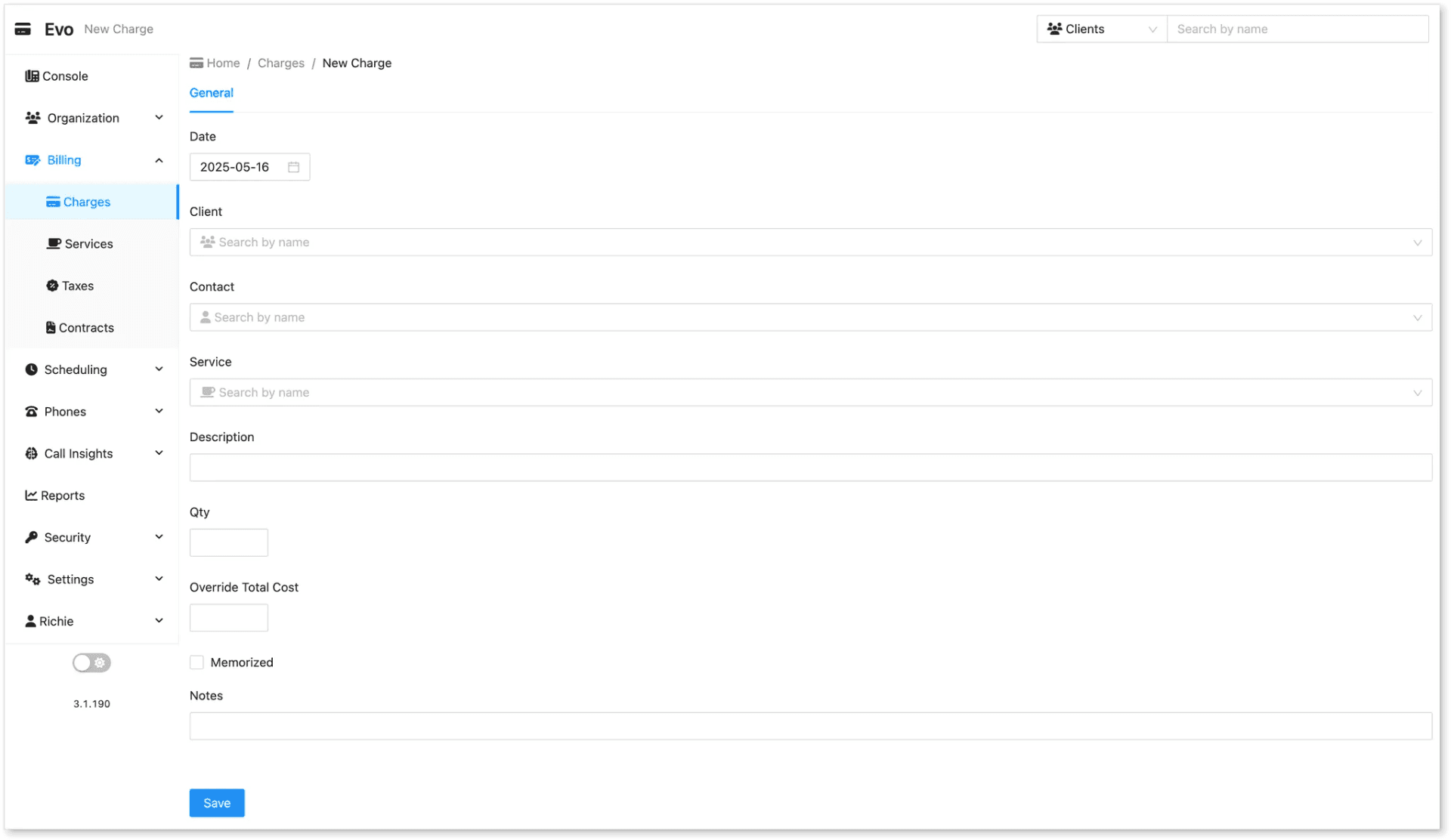
To add a new charge:
-
Navigate to Billing > Charges.
-
Click the New Charge button in the upper-left corner.
-
Fill in the required details:
-
Date of the charge
-
Client to be billed
-
Center where the service was rendered
-
Service being charged
-
Description (optional)
-
Quantity of the service
-
(Cost will auto-calculate if pricing is pre-set)
-
-
If this is a repeating charge, enable Memorized.
-
Click Save to apply the charge to the client.
Tips
-
Ensure service pricing is set up under Billing > Services for automatic cost calculation.
-
Use memorized charges for monthly recurring services.
-
Archive old charges instead of deleting them for future reporting or auditing purposes.