

Email connects your business inbox so your AI receptionist can read incoming customer emails and draft replies using the same knowledge it uses on calls.
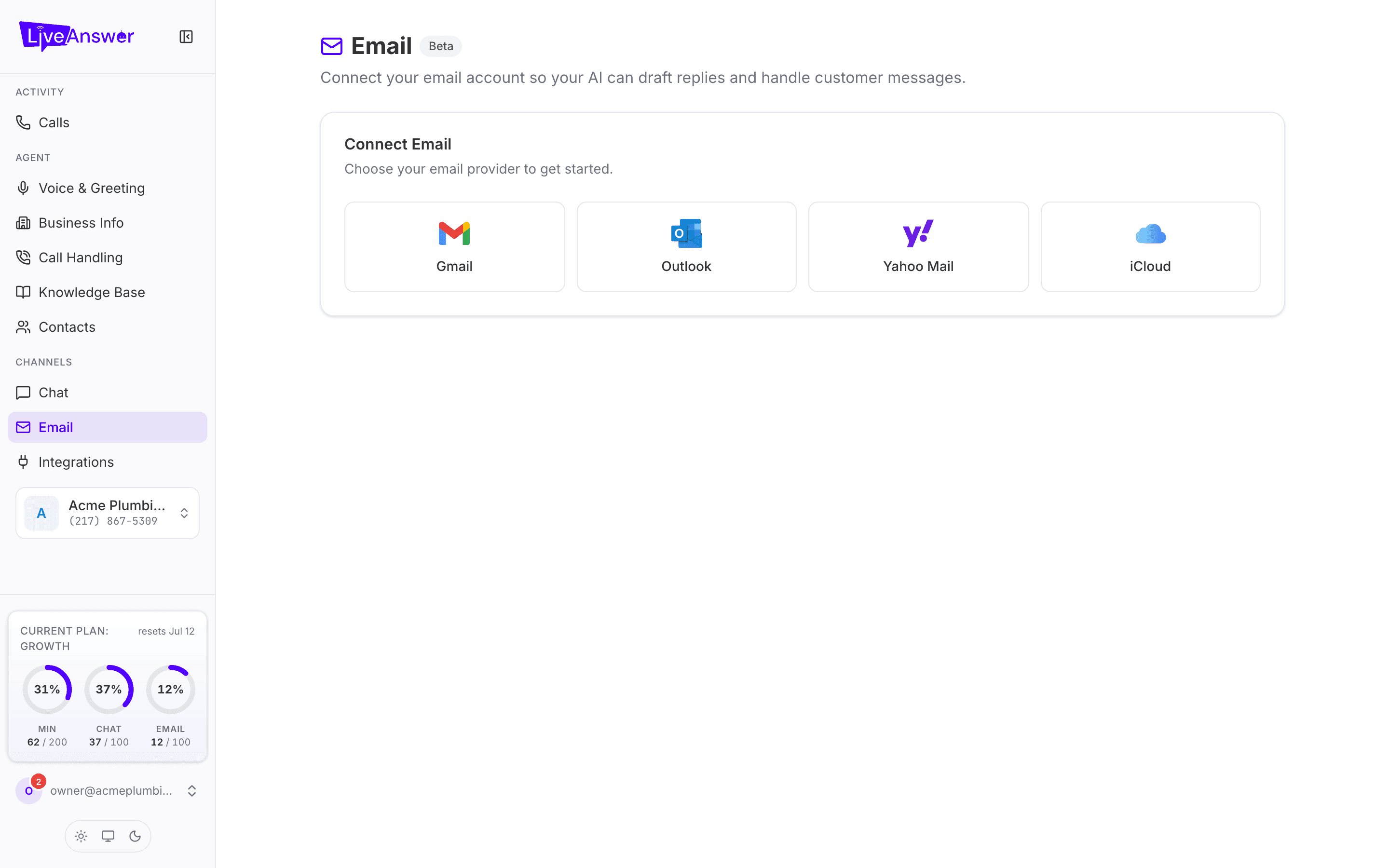
Connecting your inbox
- Open Email in the sidebar.
- Choose your provider: Gmail, Outlook, Yahoo Mail, or iCloud.
- Sign in to that provider when prompted and allow LiveAnswer access.
Once connected, the page shows an Email Account card with the connected address and a Disconnect button, plus a preview of recent emails your AI has handled.
What to expect
Email is marked Beta. It works, but it's newer than calls and chat, and it's still being refined. Handled emails count against your plan's Email allowance, shown in the sidebar.
Heads up: Your AI drafts and handles routine messages. Review anything involving money, complaints, or commitments before it goes out until you're comfortable with how it writes.