

Integrations connects your AI receptionist to the other tools you run your business on, so it can create records and log activity for you instead of you copying details by hand.
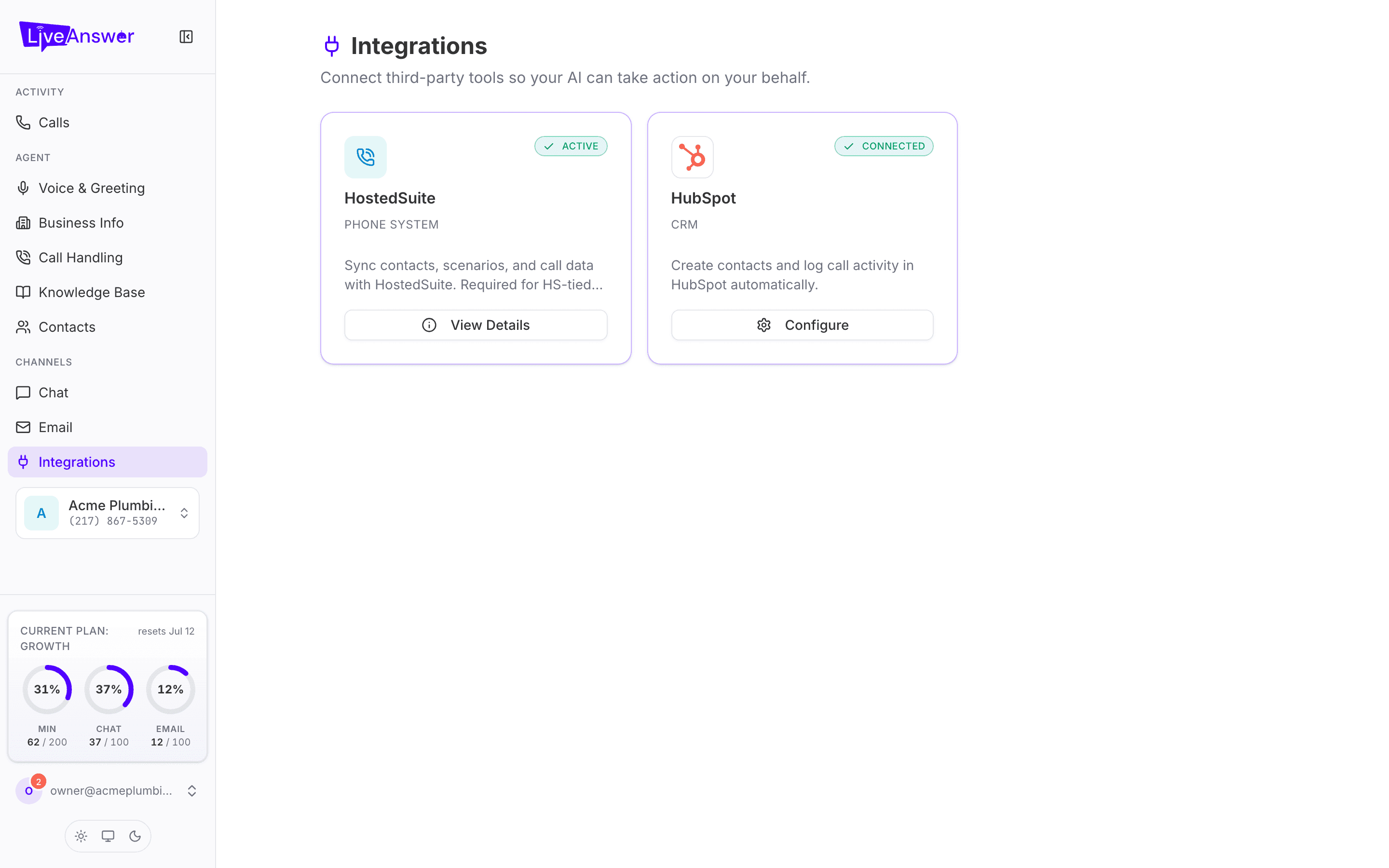
Each card shows the tool, its status (Active, Connected, or not connected), and a button to view or configure it. The tools available depend on your plan and provider.
HostedSuite (Phone System)
The phone system that carries your calls. It's set up for you by your provider and shows as Active. Click View Details to see the technical connection details (Center ID and API URL). There's nothing to configure here; if it ever shows as inactive, contact your provider.
HubSpot (CRM)
Lets your AI work inside your HubSpot account. Click Configure to:
Connection — connect or Remove connection. Connecting opens HubSpot and asks you to allow access.
Features — turn on what you want your AI to do:
| Feature | What it does |
|---|---|
| Log Conversations | Saves a note of every call or chat on the contact's HubSpot timeline. |
| Auto-Create Contacts | Creates a HubSpot contact for callers it hasn't seen before. |
| Create Deals | Opens a deal when a caller shows buying intent. |
| Inject CRM Context | Lets your AI see the caller's HubSpot record during the call, so it can greet repeat customers by name. |
| Register CRM Tools | Lets your AI look things up in HubSpot when a caller asks. |
Deal Settings — if you create deals, optionally choose the Pipeline, Deal Stage, and Deal Owner they go to. Leave blank to use your HubSpot defaults.
Contact Lookup — how your AI matches a caller to an existing contact: by Phone Number, Email, or Phone + Email.
Click Save when you're done.
Note: Start with Log Conversations and Auto-Create Contacts. Add deals once you've seen a week of real calls and know your pipeline is set up the way you want.