

Notifications is your inbox for messages from LiveAnswer: planned maintenance, new features, changes to plans or pricing, and important account notices.
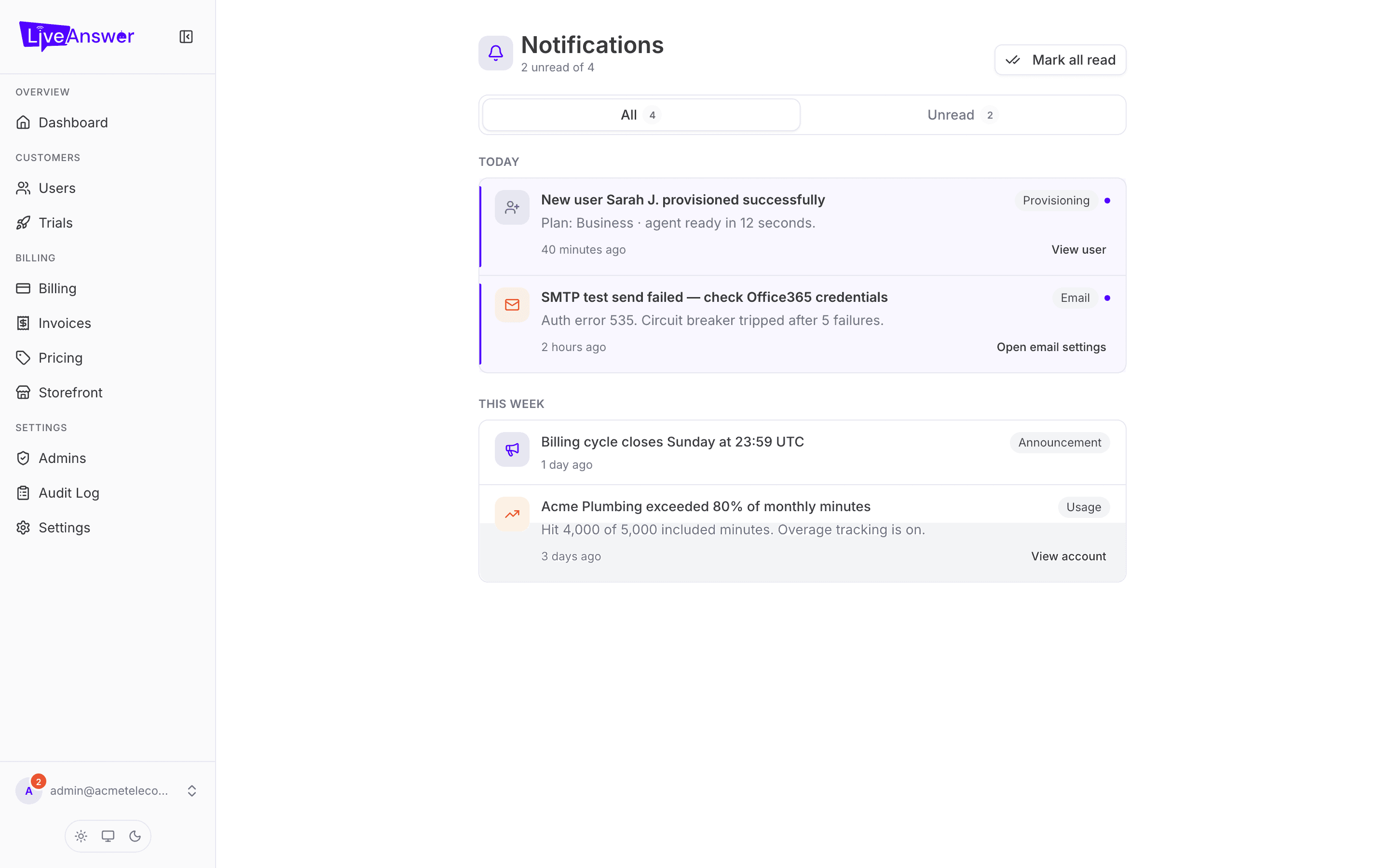
Where to find them
- The bell icon at the bottom of the sidebar shows a red badge with the number of unread notifications. Click it for a quick list.
- The Notifications page shows everything, oldest to newest, with the full message.
What you'll receive
Only announcements sent by LiveAnswer to resellers. These arrive in the portal only — LiveAnswer doesn't email them — so it's worth glancing at the bell when you sign in.
Some notifications have an expiry date and disappear after it; a maintenance notice, for example, goes away once the maintenance is done.
Marking as read
Opening a notification marks it read and clears it from the badge count. There's nothing else to do with them — they're for your information.
Note: Notifications you see here are separate from anything your customers receive. LiveAnswer can also send announcements directly to your customers' portals; those don't appear in your inbox.