

Business Info is where you tell your AI receptionist about your business, so it can introduce you correctly and answer everyday questions like "what do you do?" and "are you open now?".
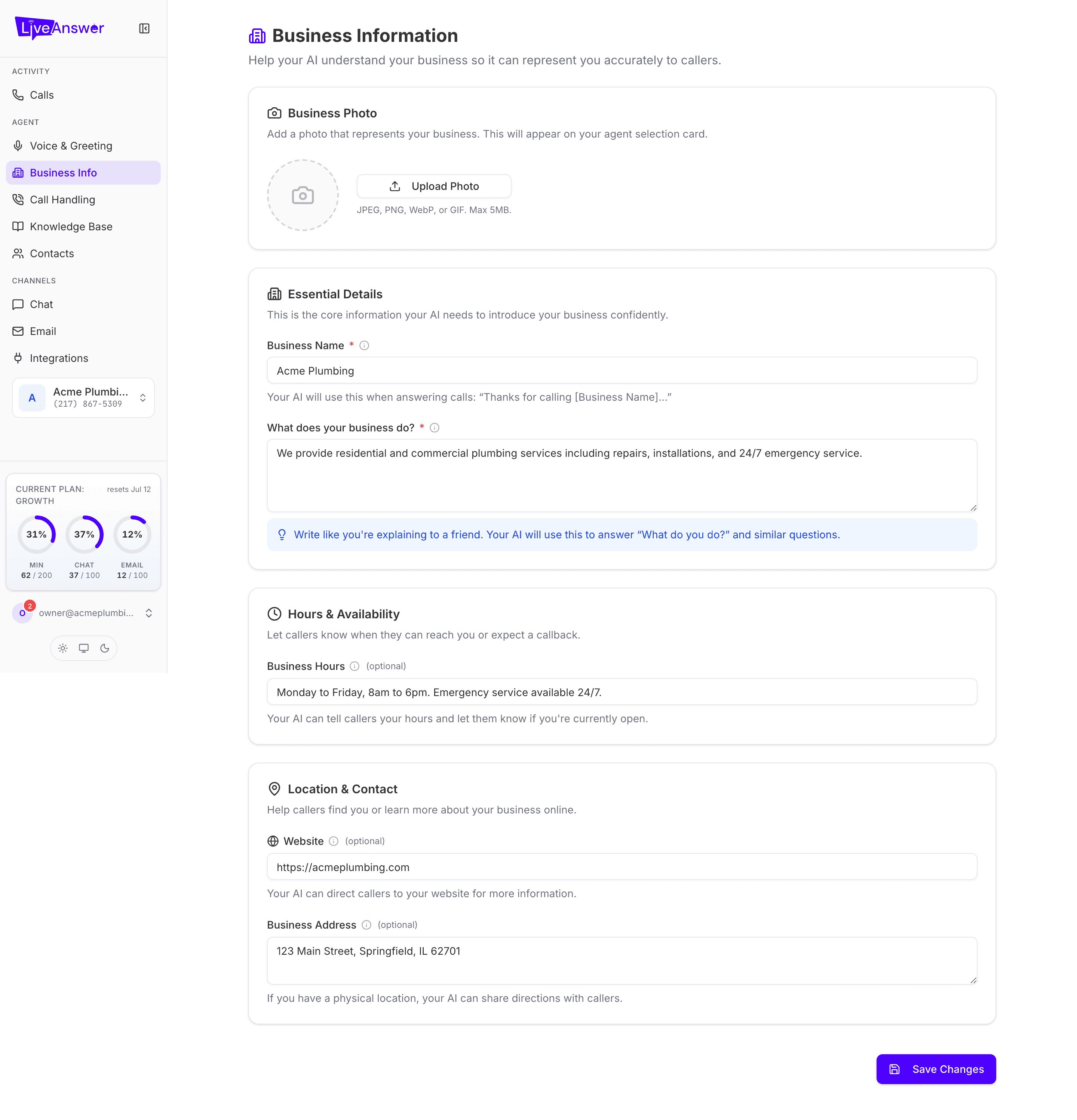
Business Photo
An optional photo or logo. It appears on your agent card on the Agents page and doesn't affect calls. Click Upload Photo and choose a JPEG, PNG, WebP, or GIF up to 5 MB.
Essential Details
These two fields are required. Your AI can't take calls well without them.
- Business Name — exactly what your customers call you. Your AI uses it when answering: "Thanks for calling Acme Plumbing…".
- What does your business do? — two or three sentences in plain language, as if explaining to a friend. Your AI uses this to answer "What do you do?" and to describe your services. Mention what you offer and anything that sets you apart.
Hours & Availability
Business Hours (optional) — when you're open, written the way you'd say it: "Monday to Friday, 8am to 6pm. Emergency service available 24/7." Your AI tells callers your hours and whether you're currently open.
Location & Contact
- Website (optional) — your AI can point callers to it for more information.
- Business Address (optional) — if you have a physical location, your AI can give callers directions.
Saving
Click Save Changes at the bottom. If a required field is empty you'll see a friendly message under it explaining what's needed; fill it in and save again. Changes take effect on the next call.
Note: Hover the small i icon beside any field for a short explanation of how your AI uses it.