
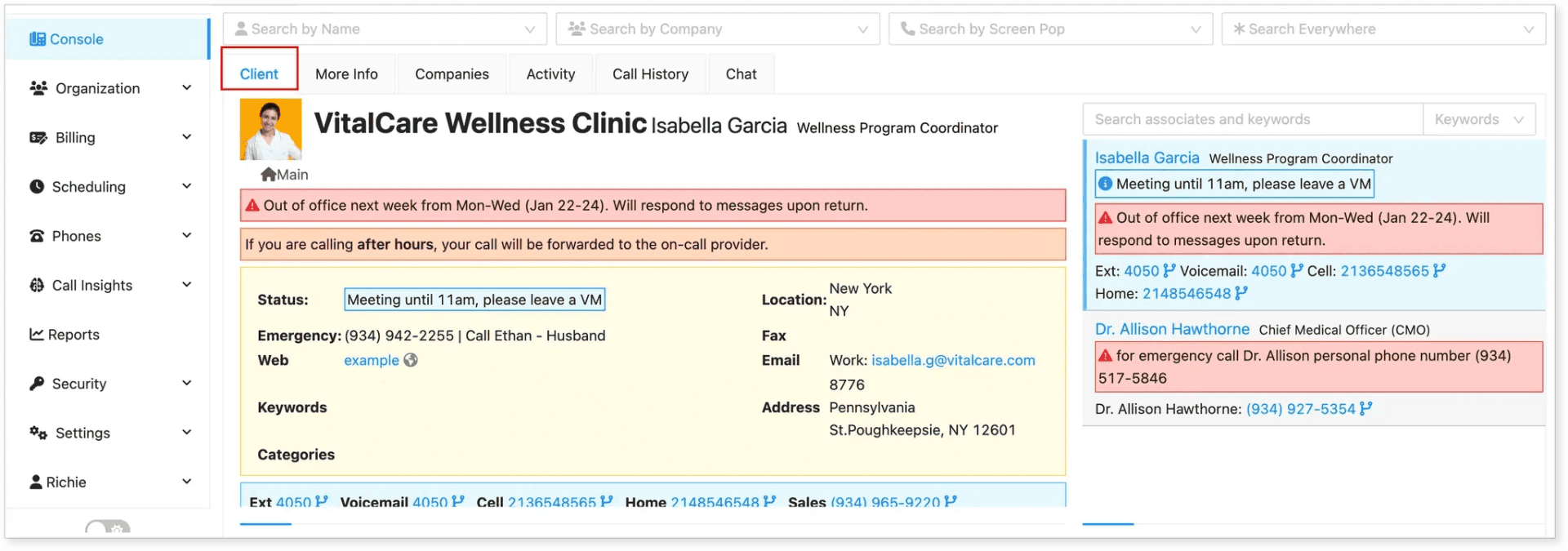
The Client Info tab is designed to give receptionists and agents quick access to essential information about a client or their contacts during or outside of a call.
How Client Info is Populated
-
Automatically during a call
The client info is automatically populated when a receptionist receives a call for the client.
-
Manually outside of a call
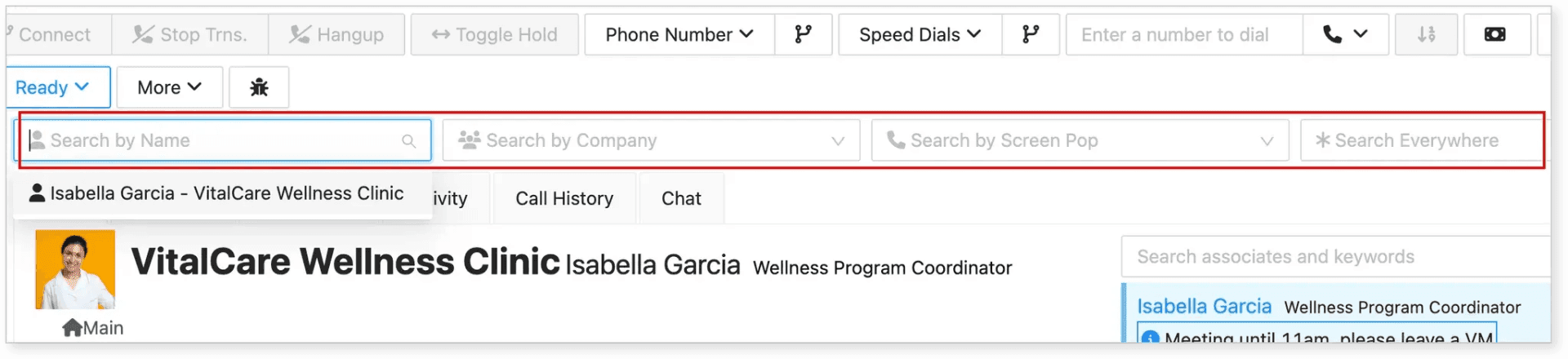
You can also manually search for the client or contact name using the Client Search Bar if you're not currently on a call.
Client Info Details and Description
Below is an overview of what you’ll find in the Client Info panel:

-
Profile Pic – Displays a picture of the contact.
-
Client – Shows the name of the client account.
-
Contact Name – Shows the full name of the individual contact.
-
Title – The contact’s job title or role.
-
Center – The location, branch, or facility the client belongs to.
Client Information Section
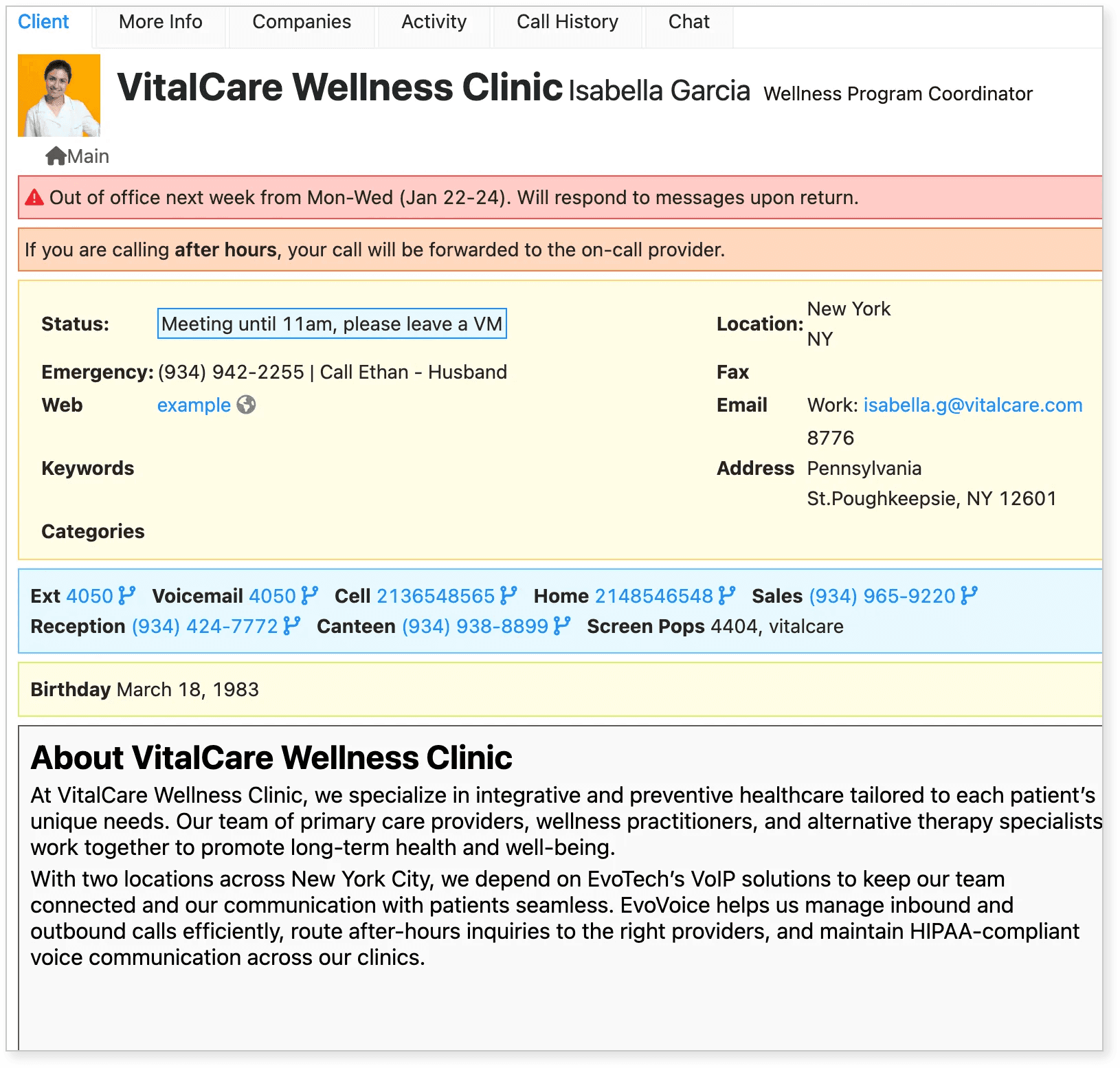
| Label | Description |
|---|---|
| Alert | Highlighted in red – shows important alerts such as out-of-office status. |
| Call Instructions | Orange background – set in the client or contact settings; provides guidance for after-hours, routing, or message handling. |
| Status | Shows current availability (e.g., “Meeting until 11am, please leave a VM”). |
| Emergency | Emergency contact number and instructions (e.g., “Call Ethan – Husband”). |
| Web | Clickable link to the client’s website or relevant resource. |
| Location | City or state where the contact is based. |
| Fax | Fax number (if applicable). |
| Work email address of the contact. | |
| Address | Full mailing or office address. |
| Keywords | Optional tags for searchability or grouping. |
| Categories | Optional labels to categorize the client (e.g., department, specialty). |
| Ext | Internal extension number. |
| Voicemail | Direct voicemail extension. |
| Cell | Mobile phone number. |
| Home | Personal/home phone number. |
| Sales | Sales-related contact number. |
| Reception | Main front desk or receptionist line. |
| Canteen | Internal line for breakroom/cafeteria (if set). |
| Screen Pops | ID or code used to trigger caller info popups. |
| Birthday | The contact’s date of birth. |
| Contact General Info | Quick summary of the client and their services – helps agents understand who the client is. |
Client’s Staff Preview
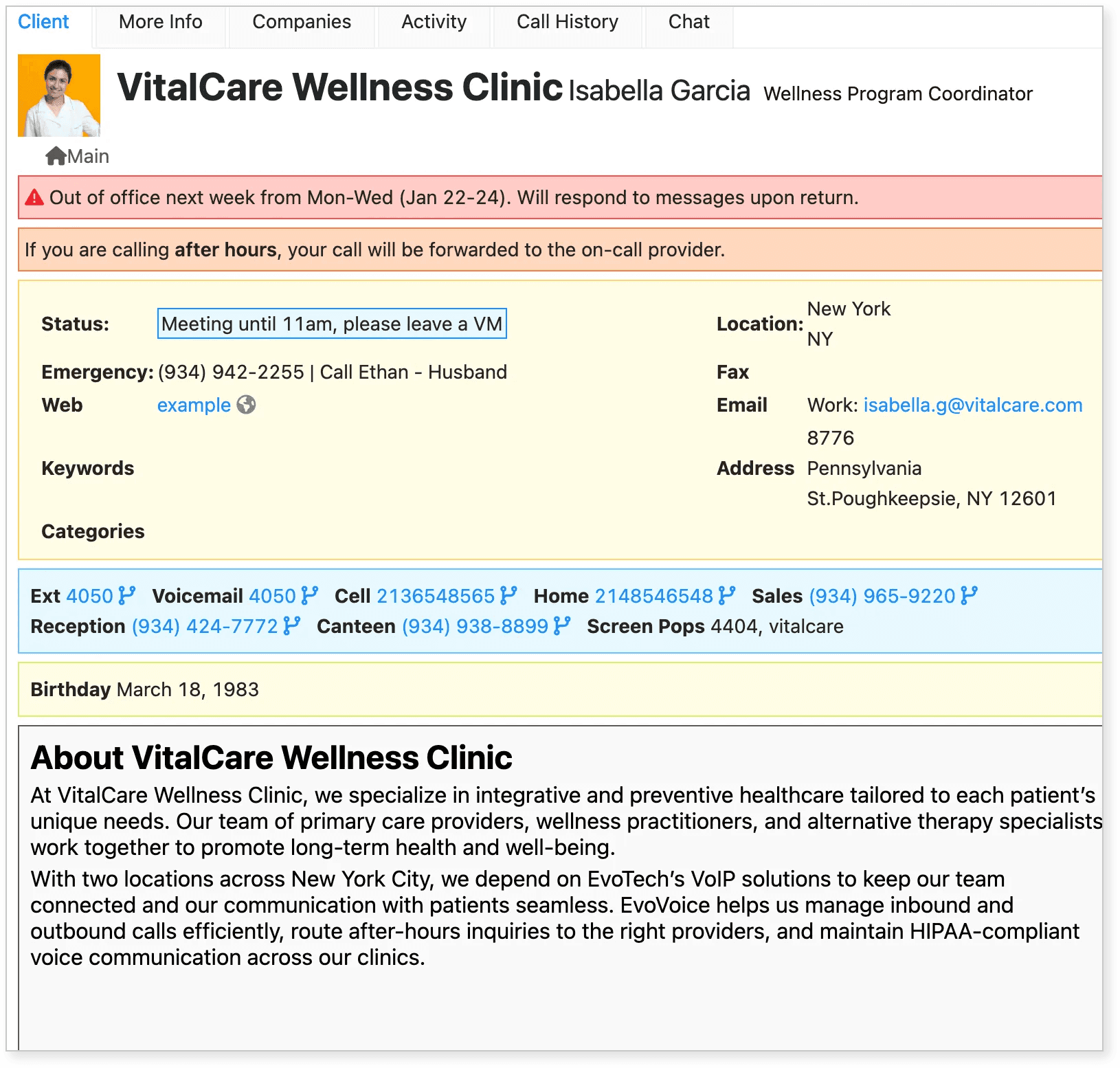
Located on the right side of the Client Info tab, this panel shows a summary of the client’s team members.
| Label | Description |
|---|---|
| Search Associates and Keywords | Search field to quickly find a contact by name or keyword. |
| Contact Name | Name of the staff member; usually clickable to view more details. |
| Job Title | Position or role within the organization. |
| Status | Current availability or status message (e.g., "Meeting until 11am"). |
| Alert | Important message such as “Out of office” or “Emergency contact,” highlighted in red. |
| Ext | Internal extension number. |
| Voicemail | Dedicated voicemail line. |
| Cell | Mobile number, click-to-dial. |
| Home | Home phone number, click-to-dial. |
To update client or contact information, please refer to this article: Adding Contact and Client Information in Console.